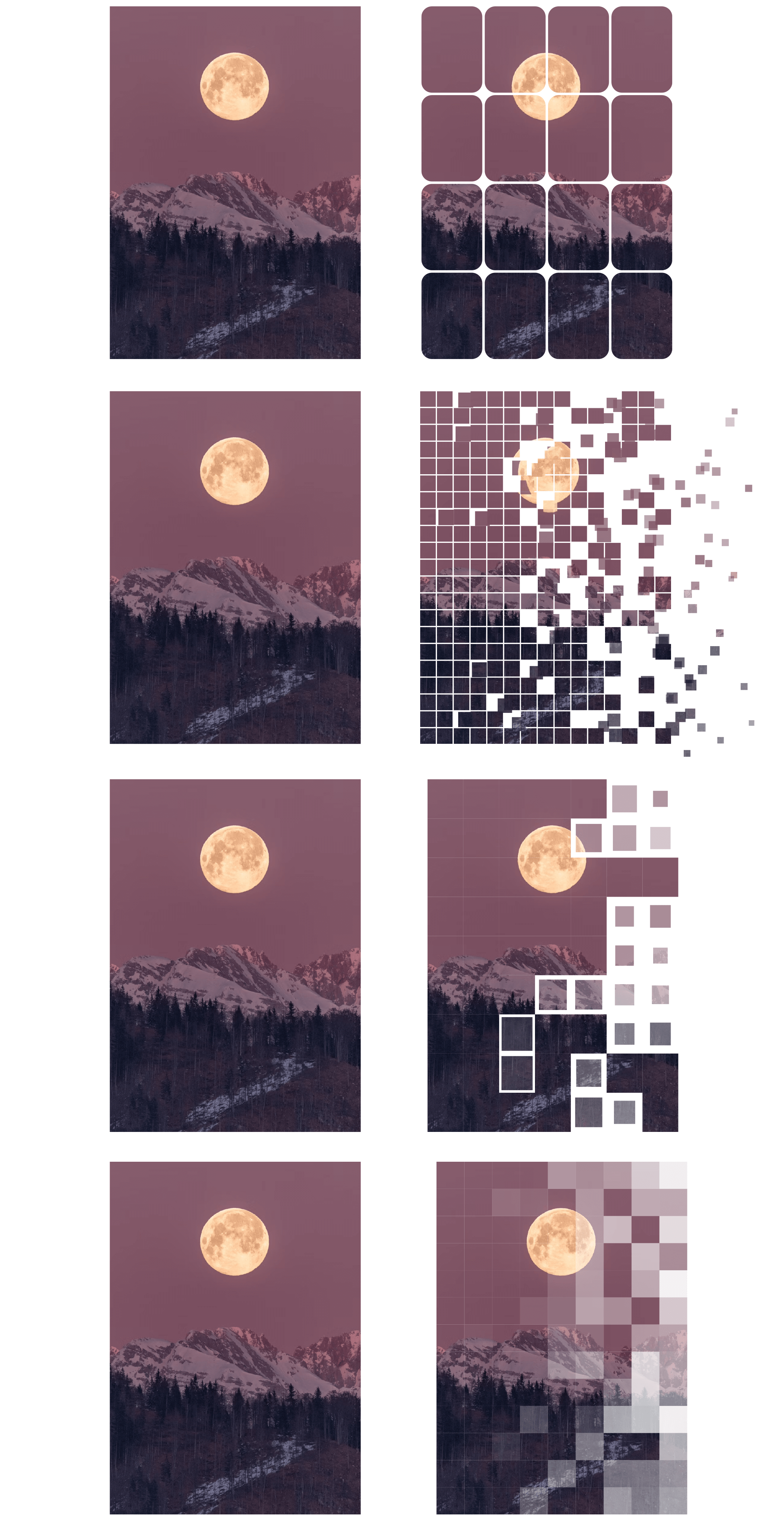
I built a script to cover two core needs:
- Split an image frame into a grid
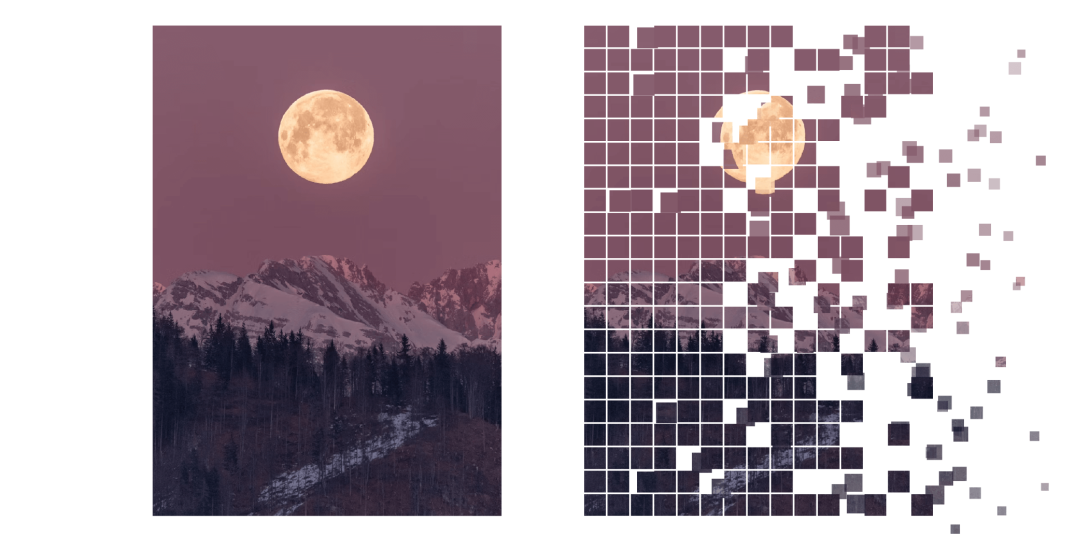
- Turn that grid into a static “dissolve” effect
All directly inside InDesign.
1. Grid Split
The script starts with a simple operation:
- Select a graphic frame
- Define rows, columns, and gaps
- The image is sliced, not repeated
Each cell shows a different part of the image, and when all cells are together, the image reconstructs perfectly.
This alone is useful for:
- Modular layouts
- Editorial grids
- Deconstructed compositions
2. Dissolve Effect (built on the grid)
Once the image is sliced into small cells, the script can push it further:
- Some cells drift away
- Movement follows wind (X) and gravity (Y)
- Strength controls how much of the image breaks apart
- Noise replaces clean left→right wipes with organic clusters
The result looks like dust, pixels, or ash — even though everything is still static frames.
Performance Tip
Smaller cells = more objects.
Start big, refine later.
What You End Up With
- A real grid of image slices
- Optional dissolve with directional motion
- Fully editable, print-safe layout objects
No plugins. No raster tricks. Just geometry. just download it from here (right-click then save) and copy it to the Script Panel folder.